VKDriven #5 - HDR
HDR and Tonemapping
October 7, 2026
Our shaders compute lighting in floating point, so a bright highlight can easily come out as 5.0. But an 8-bit render target can only store values from 0 to 1, so everything brighter gets clamped to white. HDR rendering fixes that by rendering into a floating-point target (here R16G16B16A16_SFLOAT) that keeps the full range. A final tonemapping pass then compresses that range into 0–1 for the display.
- Render the scene into an HDR image in
R16G16B16A16_SFLOAT, so lighting values above 1.0 are kept. - Run the tonemapping pass:
- Draw a single triangle that covers the whole output image.
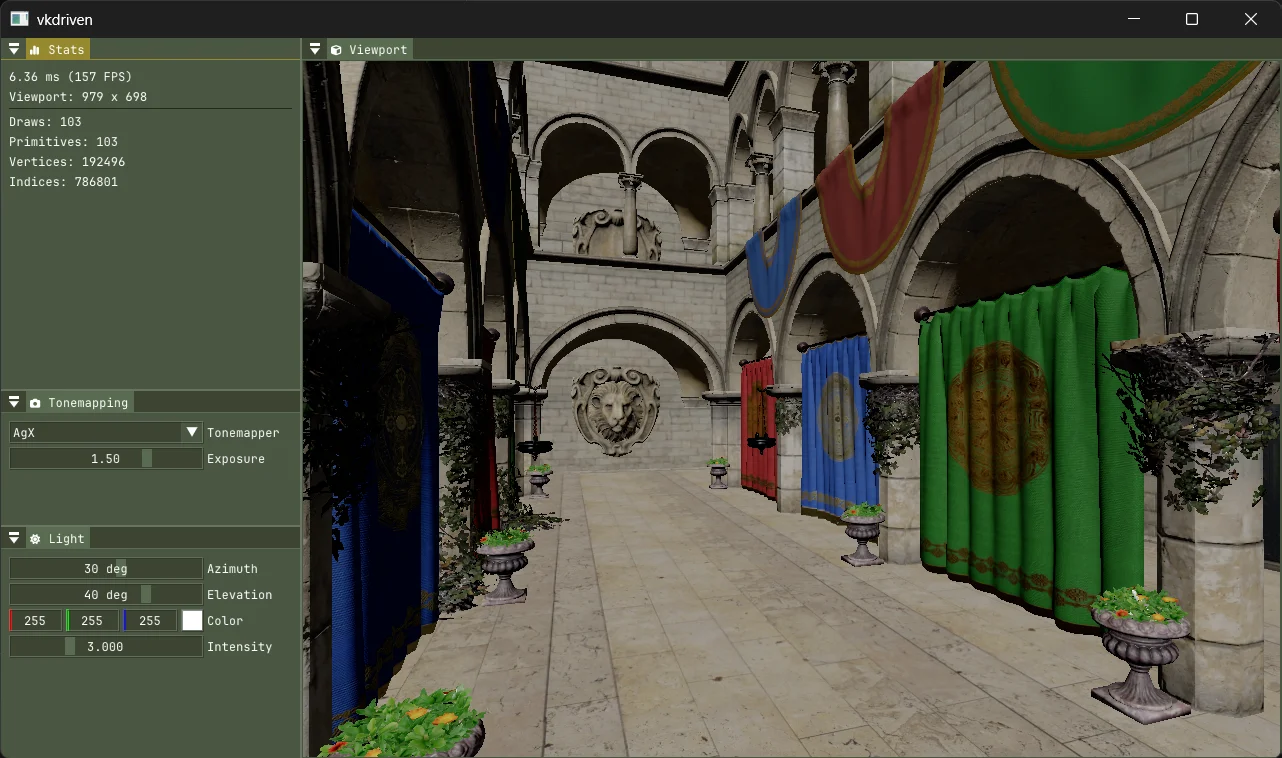
- For each pixel, sample the HDR image, multiply by exposure, and apply a tonemapping curve (e.g. AgX) that compresses the values into the 0-1 range.
- Write the result to an 8-bit sRGB image, which encodes it for display.
Tonemapping Algorithms
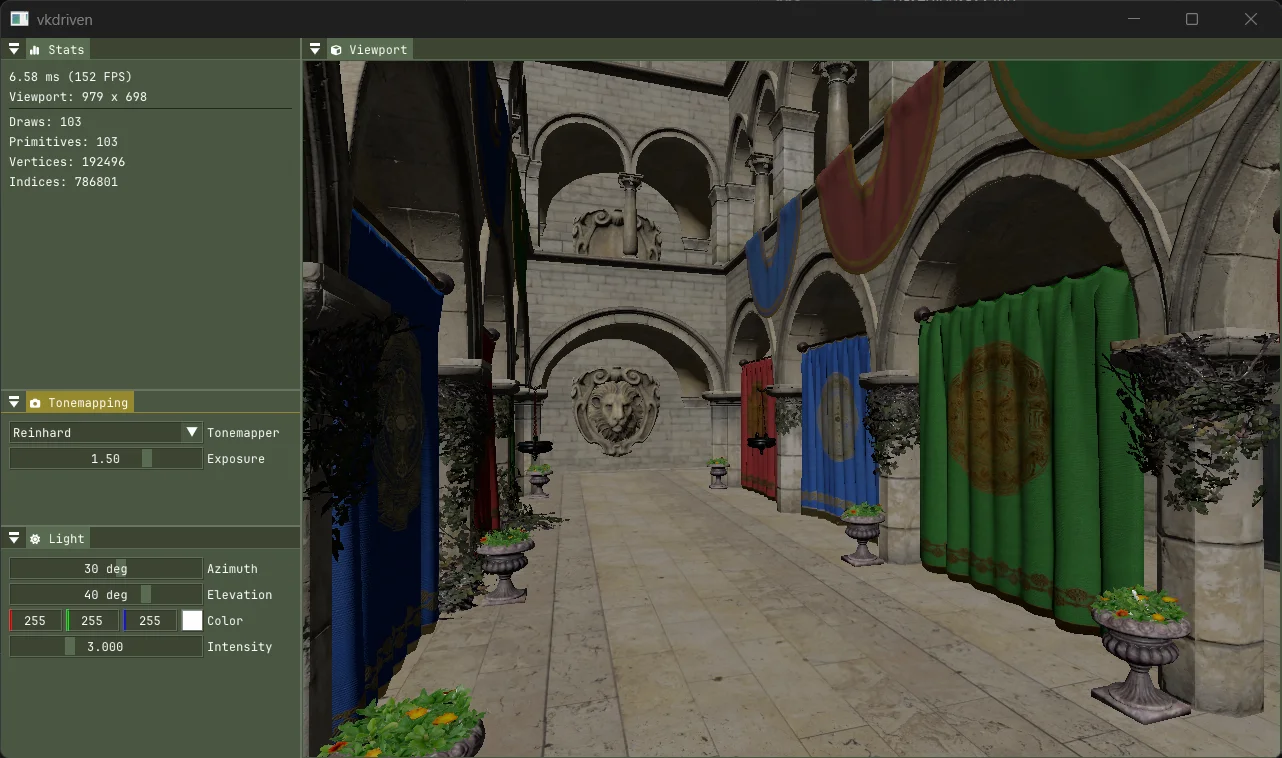
Now there are multiple ways that you can sample the HDR image and apply the tonemapping curve. Some examples are Reinhard, ACES, and AgX. I’m not going to get into specifics about each tonemapping algorithm. The general idea is they change the curve shape (i.e how the darks are handled) and how the colours are handled.